
Self-hosted project management for software teams
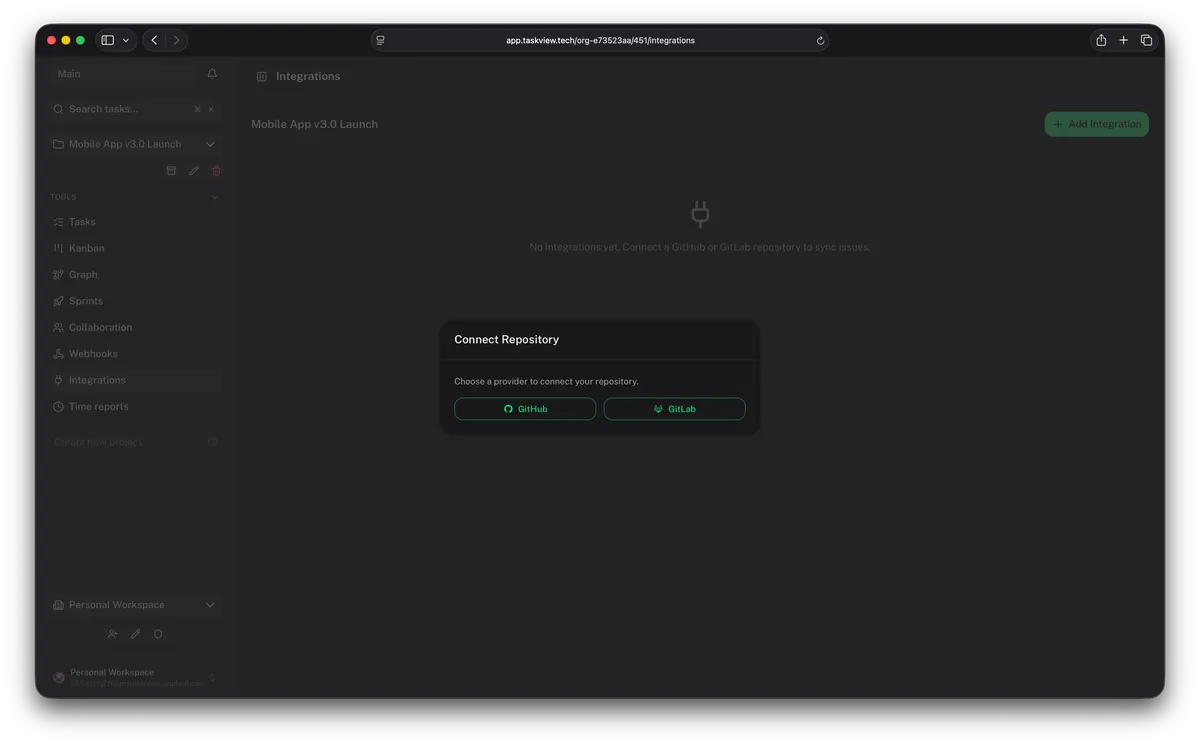
Issues stay where they were filed — and still land on the board
TaskView syncs issues only. It does not link commits, branches or pull requests.
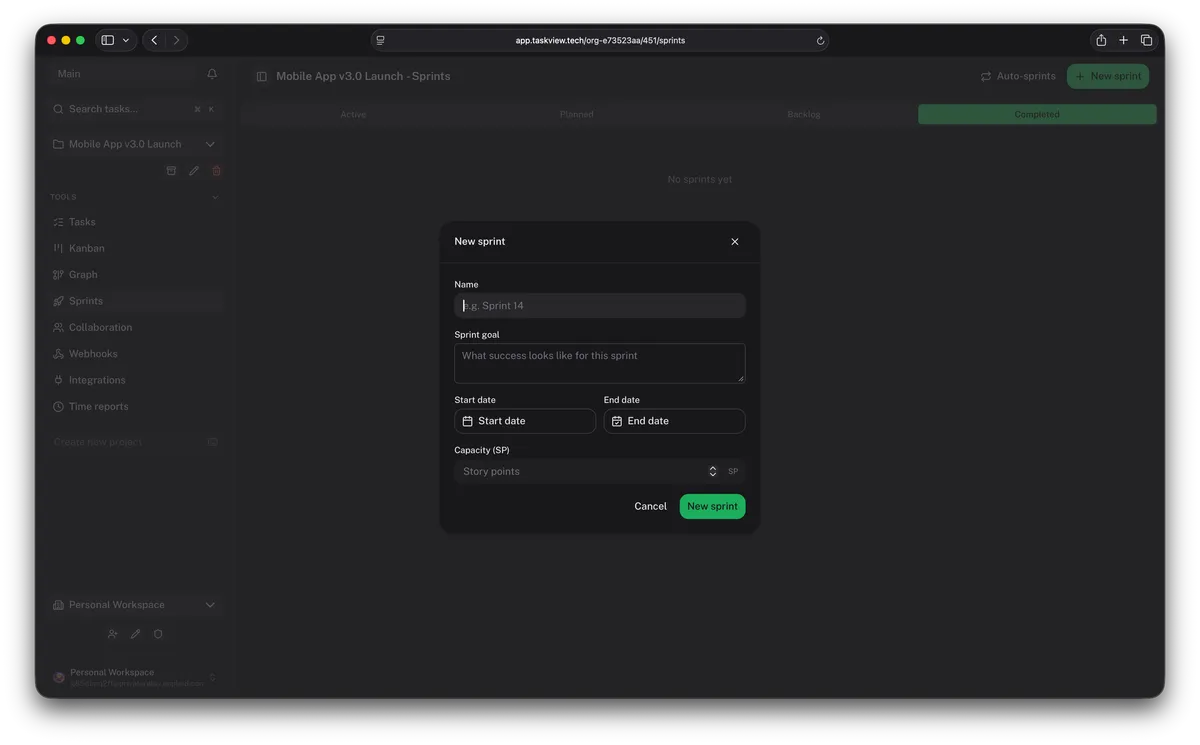
Plan the sprint, then watch it burn down
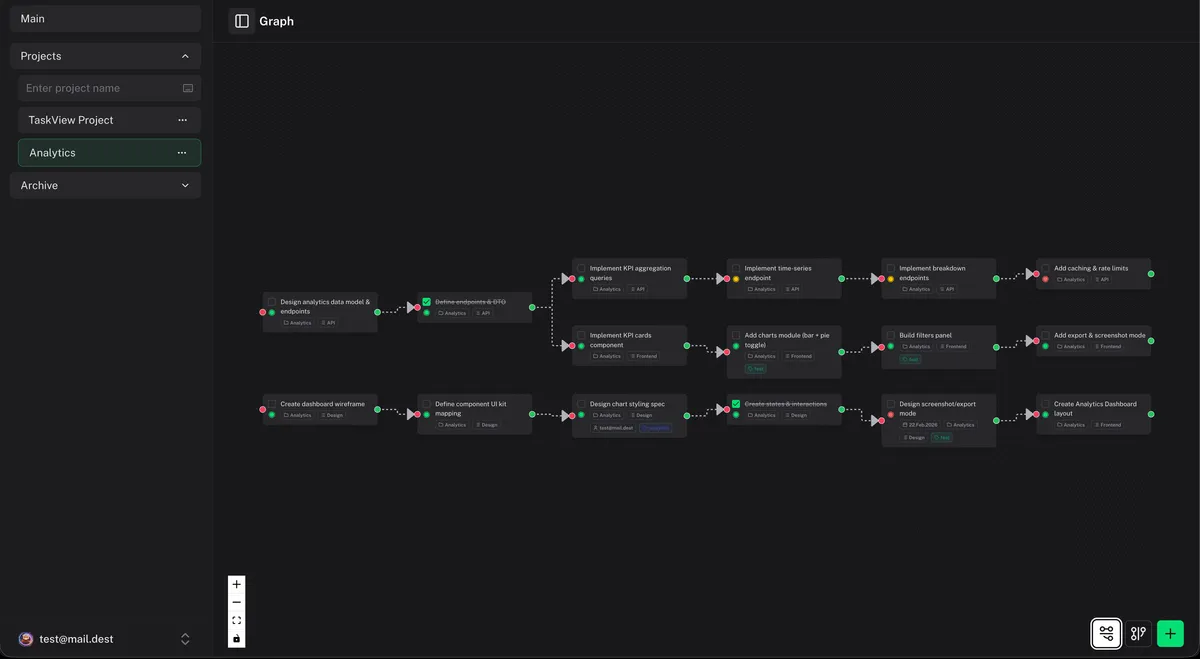
See what blocks the release
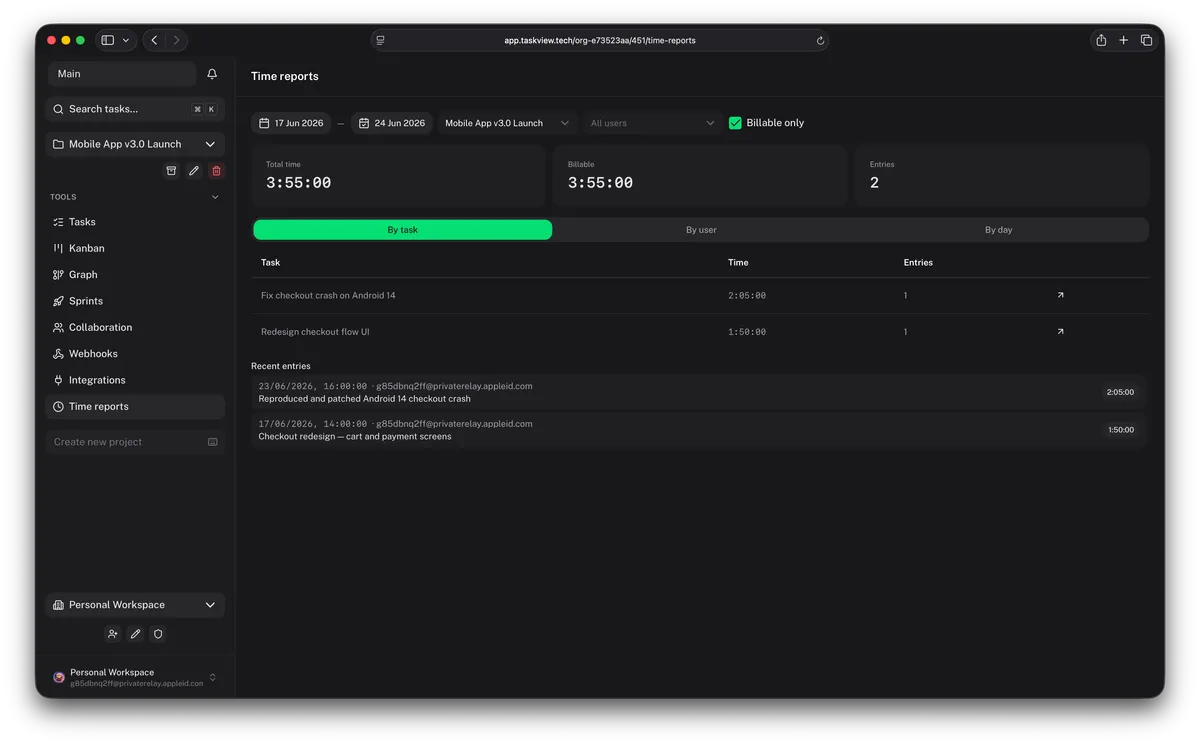
Know where the hours went
What else a development team gets
Is self-hosted project management right for your team?
Need SSO through your IdP or SCIM provisioning? Both ship in the free edition — see TaskView for IT & software teams. Comparing tools? Read TaskView vs Plane or TaskView vs OpenProject.
Install it in an afternoon
Questions
Does TaskView link commits or pull requests to tasks?
No. The GitHub, GitLab and Gitea integrations sync issues only: each issue becomes a task, and completing or reopening the task closes or reopens the issue. Commits, branches and pull requests are not linked.
Does TaskView support Scrum sprints?
Yes. Sprints have a goal, start and end dates, a story-point capacity and a burndown chart built from task estimates. Unfinished tasks can be carried over to the next sprint, and upcoming sprints can be generated on a fixed cadence.
Is there a Gantt chart?
No. TaskView has a dependency graph instead: you connect tasks to show which one has to finish before another can start.
How much does it cost for a development team?
The Community Edition is free and has no user limit — SSO and SCIM included. Paid Special Edition licenses are one-time and flat per organization, from $990 to $4,990.
Can AI coding agents work with TaskView tasks?
Yes. TaskView ships an MCP server, so assistants such as Claude Code can read and update projects and tasks through the TaskView API, authenticated with a scoped API token or over OAuth.